Mailbox health and deliverability
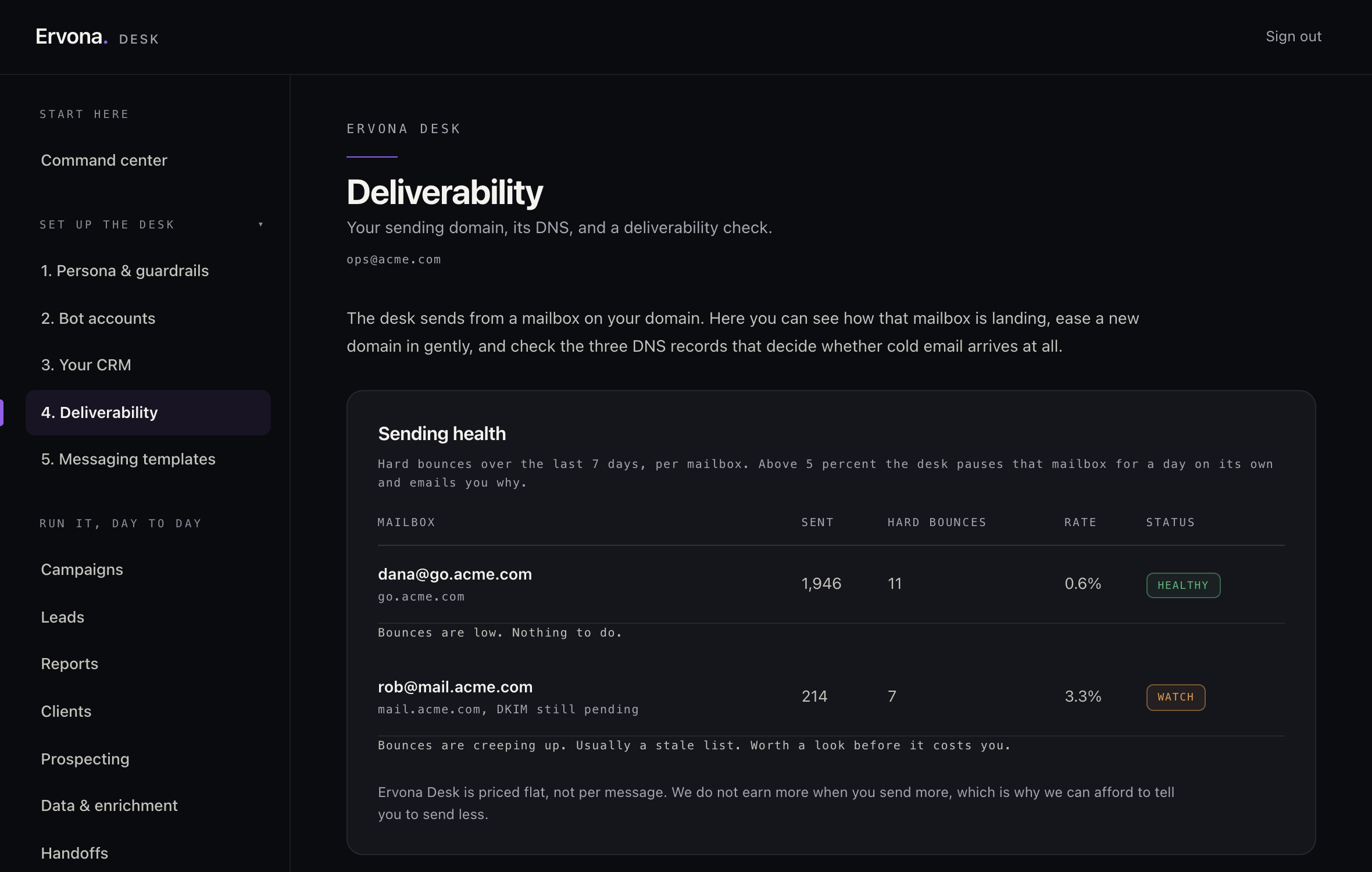
Nothing hurts a domain's reputation like sending fast into a bad bounce rate. The desk watches for that itself and slows down before it becomes a real problem — you don't have to monitor it by hand.
What gets checked at setup
The desk confirms that the connected mailbox and its sending domain are ready before a campaign runs. Your email provider remains the source of truth for its mail configuration.
What gets watched continuously: bounce rate
Over a rolling week, once a mailbox has sent enough to judge fairly, the desk watches its hard-bounce rate. If it crosses a threshold that signals a real deliverability problem — not just one or two bad addresses — that mailbox is automatically throttled for 24 hours, and you get an email explaining exactly why: "We slowed your sending down on purpose." It's a pause on that one mailbox, not your whole account, and it lifts itself after the cooldown.
What "throttled" changes
A throttled mailbox pauses sending, not the campaigns pointed at it — once the throttle lifts, those campaigns pick back up on their own. If you check in on why a campaign looks stalled during this window, the throttle is always the first thing the desk's own health check reports, specifically so it never separately alerts you about a problem it already caused and is already fixing.
This is protective, not punitive. A high bounce rate is usually a sign a list needs cleaning, not that anything's broken — the throttle exists so one bad list doesn't cost you your domain's reputation for every list after it.