Ervona help
Find the answer.
Get back to work.
Setup, daily use, and fixes for the Chrome extension and Ervona Desk. Written plainly, with the exact screens and controls you will see.
/
01Chrome extensionYou drive it inside your open CRM.14 guides ↓
02Ervona DeskIt works from its own mailbox.20 guides ↓
03Your accountBilling, reports, sign-in, and data.6 guides ↓
No articles match your search. Try a different word, or email support@ervona.ai.
The Chrome extension14 guides
You drive it. Ervona works a list inside the CRM session you already have open.
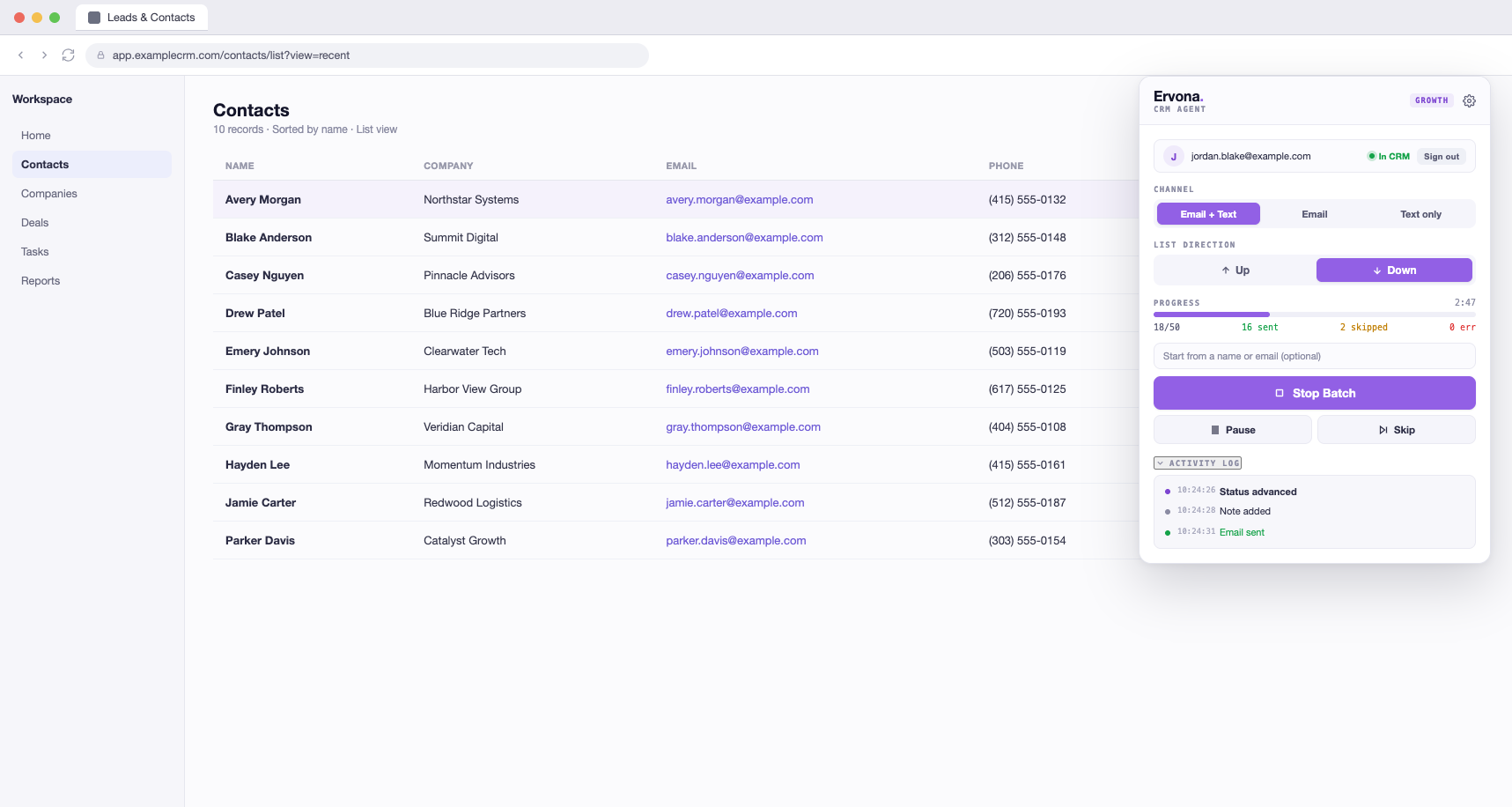 Start hereGetting started with the extensionInstall, sign in, and send your first batch in about 10 minutes. Setting up the Desk is a different path, see the Ervona Desk section below.
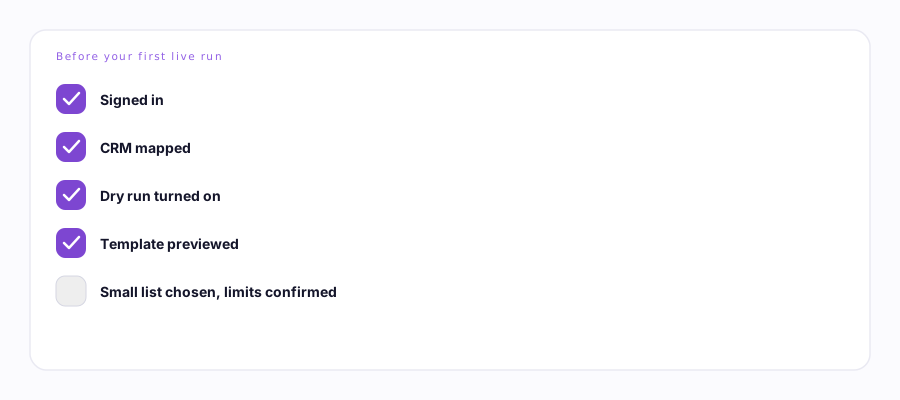 Start hereBefore your first live runA five-minute checklist: sign in, map, Dry run, verify your template, then send 3-5 for real.
Daily useWorking a listPoint Ervona at a list, press Start, and let it work, record after record.
Start hereBefore your first live runA five-minute checklist: sign in, map, Dry run, verify your template, then send 3-5 for real.
Daily useWorking a listPoint Ervona at a list, press Start, and let it work, record after record.
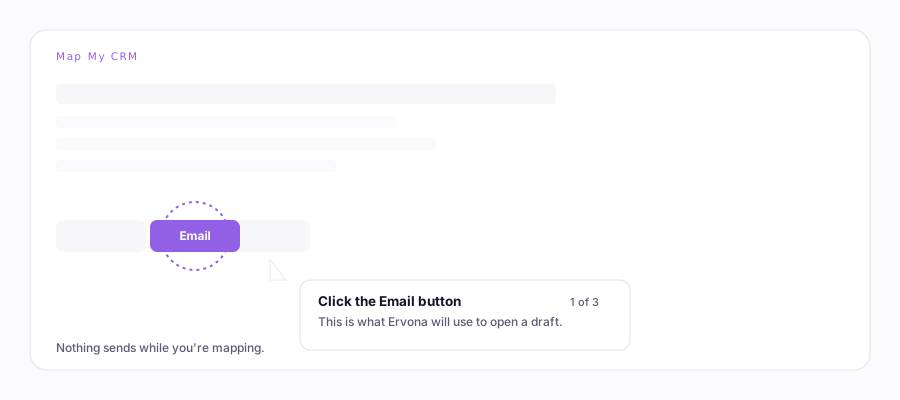 SetupMap My CRMShow Ervona where your buttons are, once, in about 30 seconds.
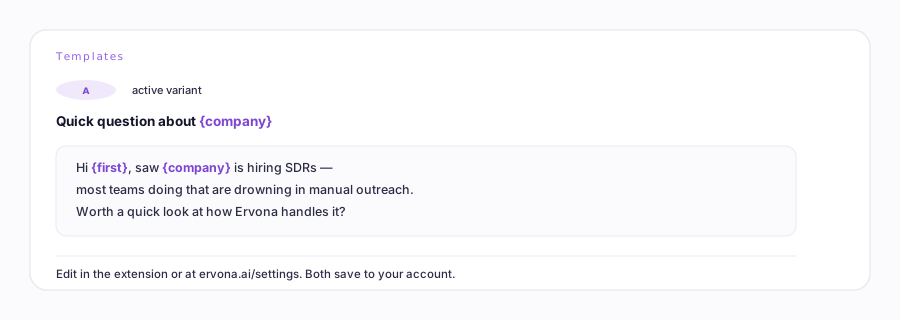 WritingTemplatesWrite your email once. Ervona fills in each person's name and company.
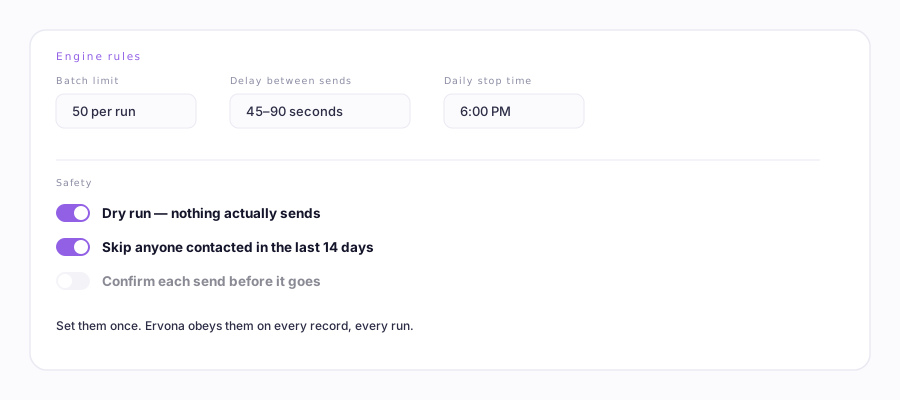 SafetyEngine rulesThe safety switches: test mode, pacing, and never emailing the same person twice.
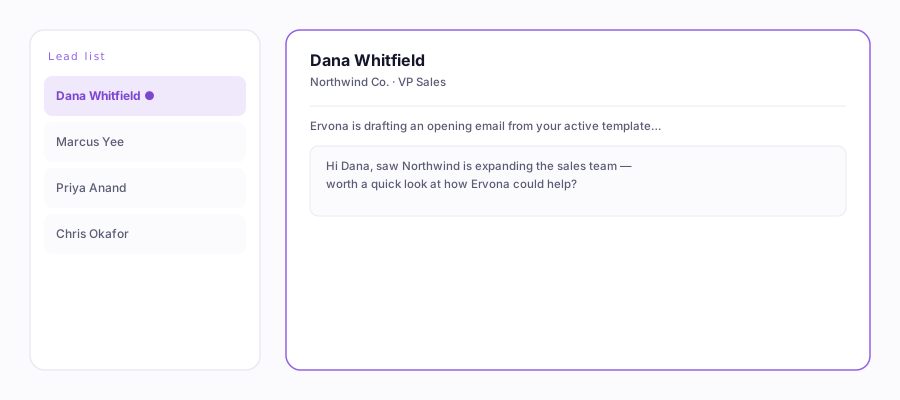 ExtrasTexting & notesSend a text after the email, and leave a note on the record, automatically.
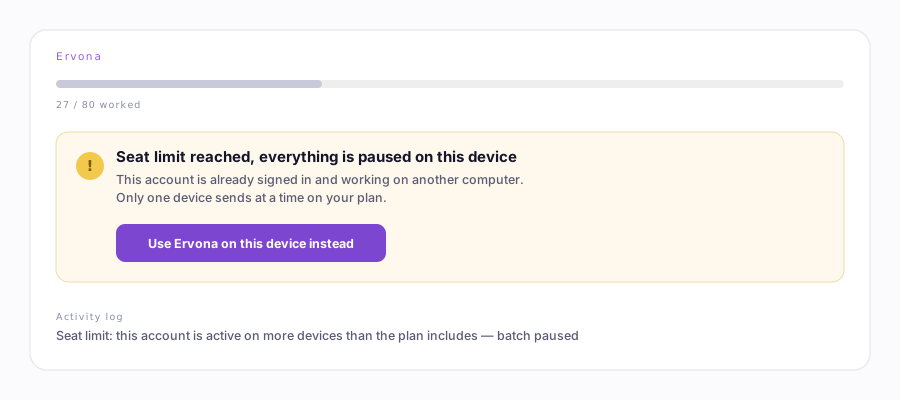 Something happenedWhy did my run stop?Sign-outs, seat changes, daily limits, background windows, and CRM failures, one by one.
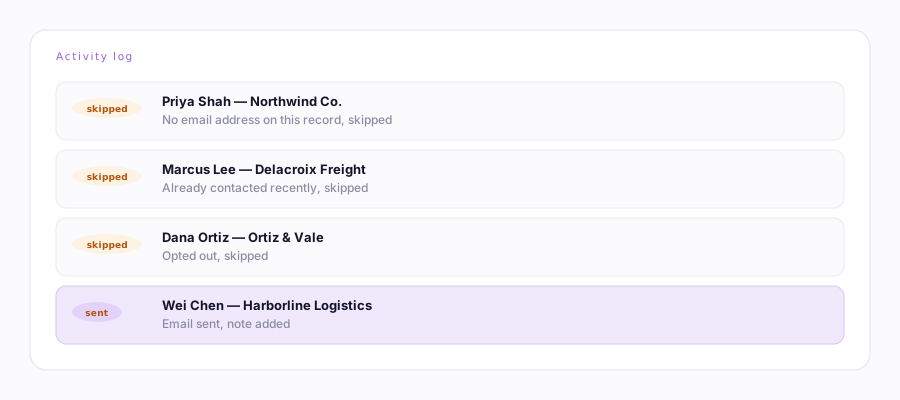 Something happenedNothing sent — what should I check?A decision tree for skipped contacts, missing emails, opt-outs, and duplicate protection.
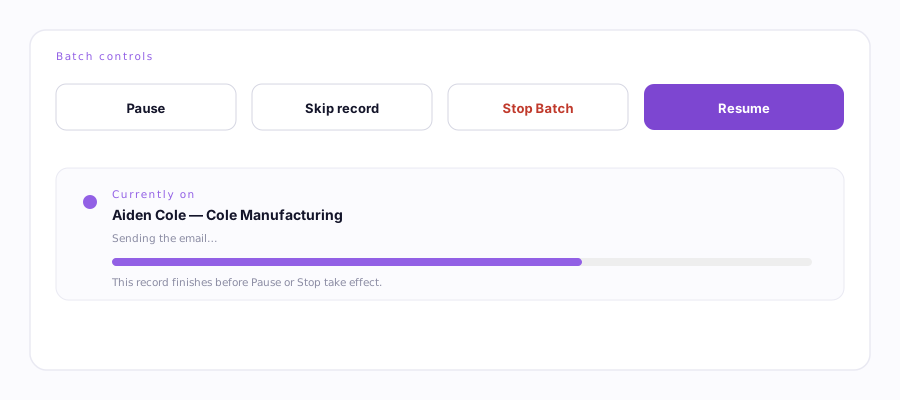 Daily usePause, stop, resume, and retry safelyWhat each control does, and why resuming or retrying never re-sends something already sent.
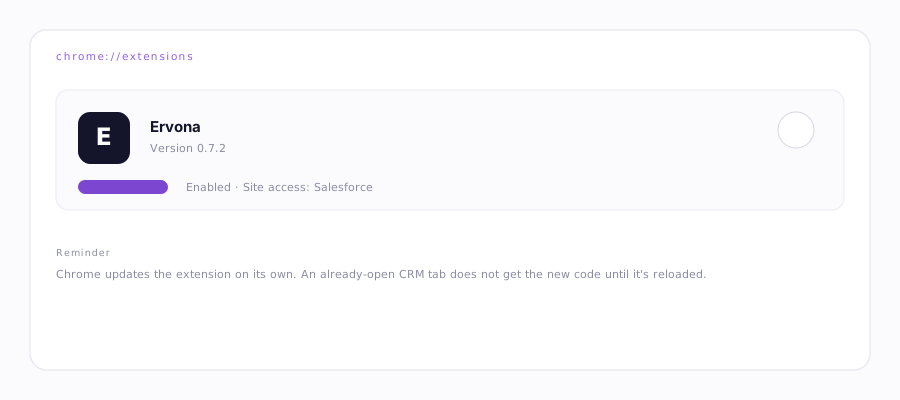 MaintenanceUpdating and reloading the extensionCheck your version, update through Chrome, and fix a stale content script after a release.
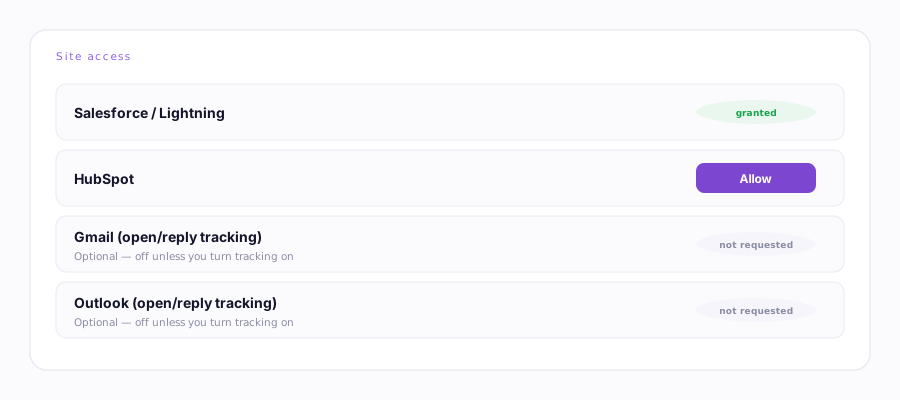 SetupCRM permissions and browser accessWhy Salesforce is required, Gmail/Outlook/HubSpot are optional, and how to grant or revoke each.
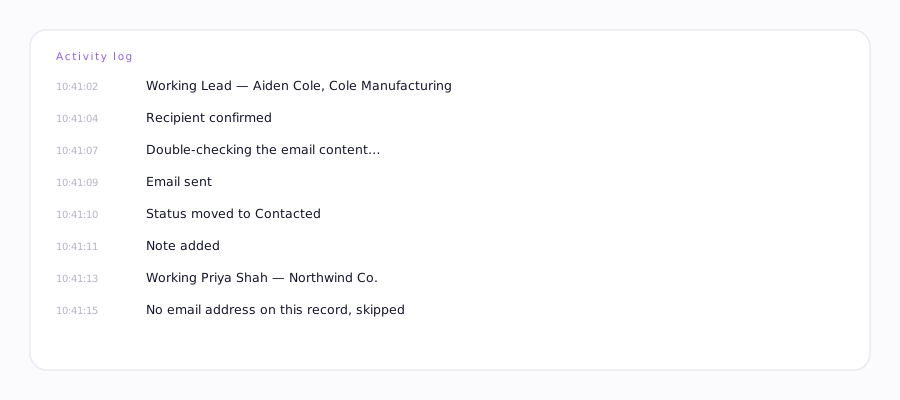 ReferenceUnderstanding the Activity LogEvery message it can show, translated into plain English.
Ervona Desk19 guides
It drives itself. A mailbox on your domain that works leads and answers inbound as the company, with nobody logged in.
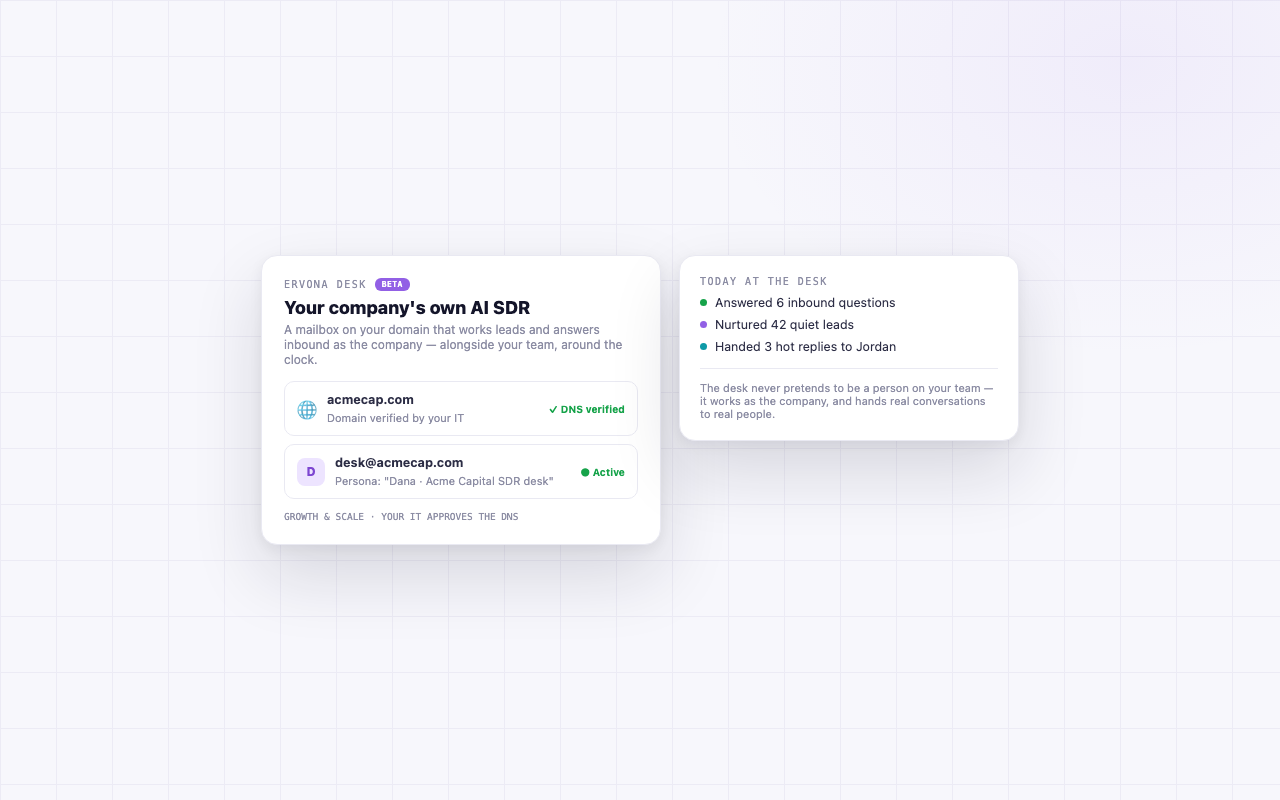 DeskErvona DeskThe company's own AI SDR: its own mailbox, on your domain, connected in one click.
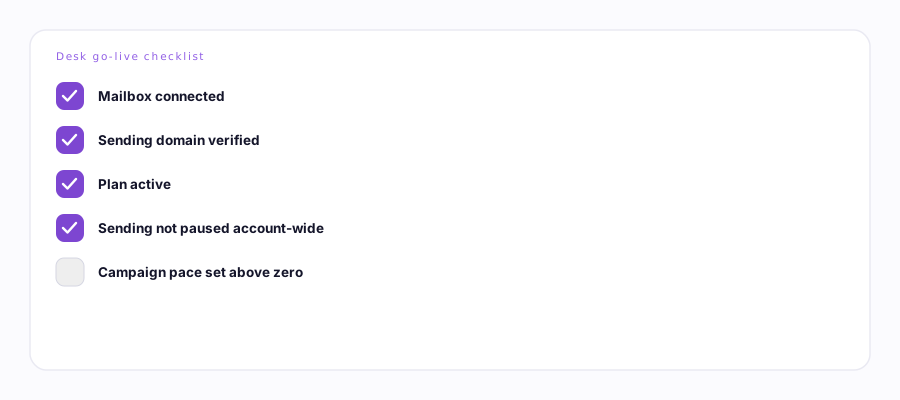 DeskDesk go-live checklistEverything it needs before it can send on its own, in the order it checks them.
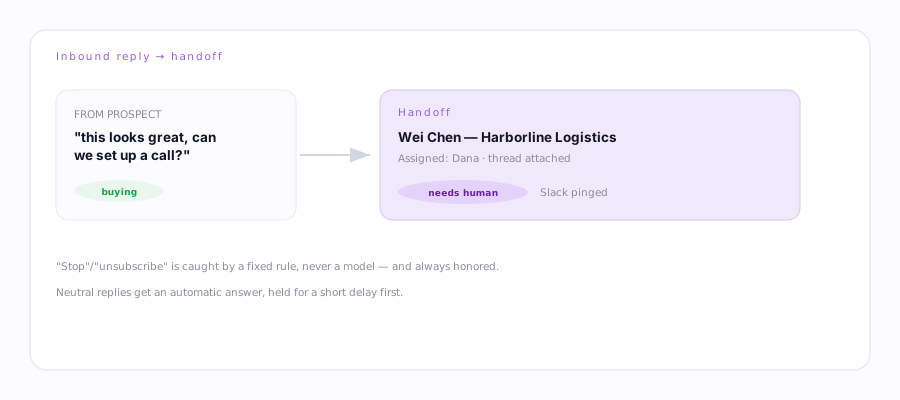 DeskHow replies are classified and handed to a humanBuying signals, objections, opt-outs, and when a human gets looped in.
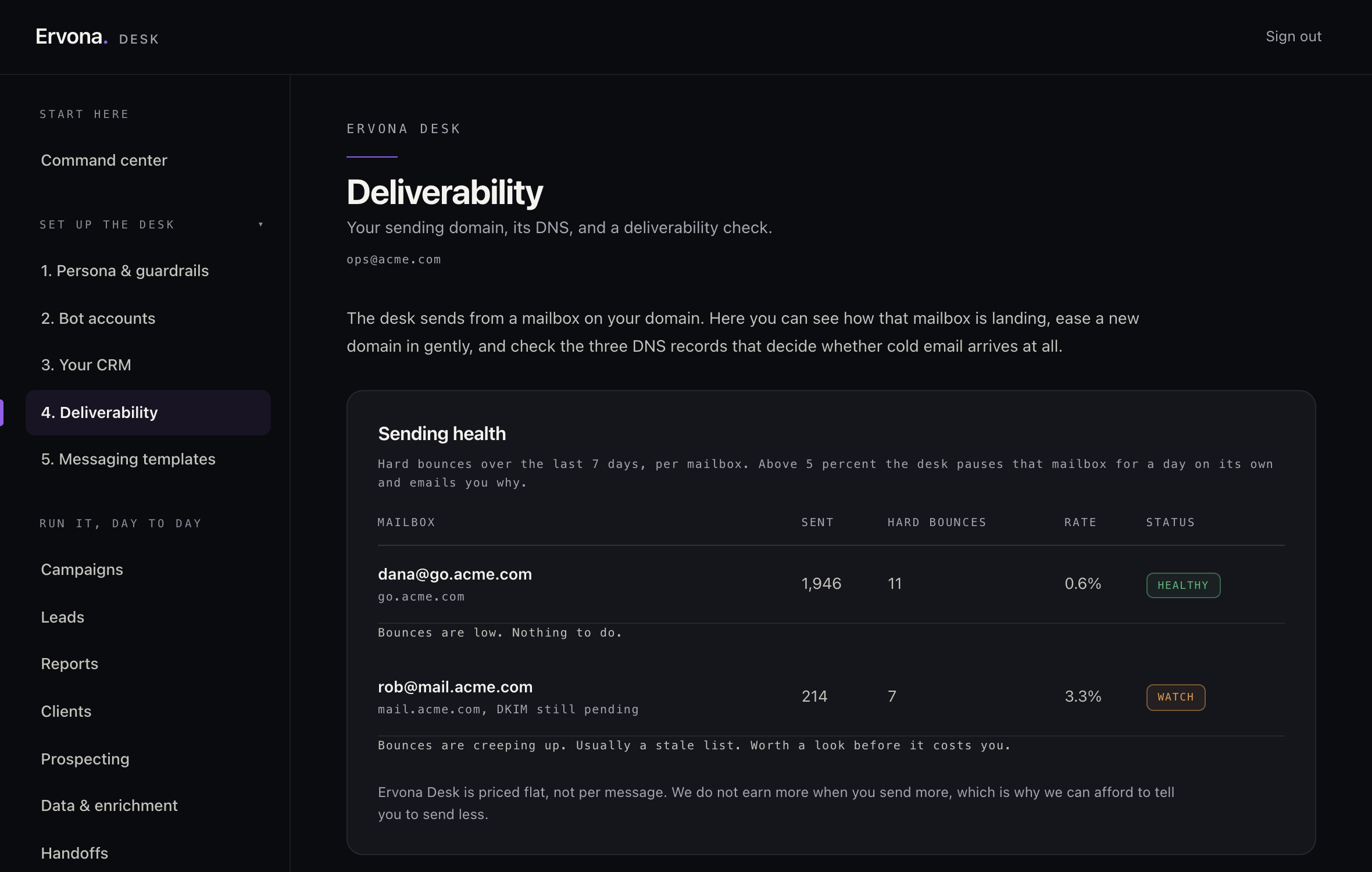 DeskMailbox health and deliverabilityDNS at setup, bounce rate every week, and what an automatic throttle does.
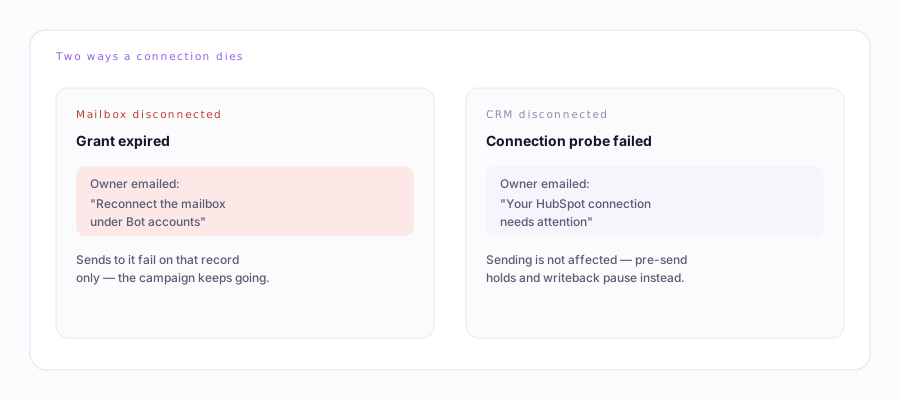 DeskWhen a CRM or mailbox disconnectsA dead mailbox pages you. A dead CRM connection quietly turns a few things off.
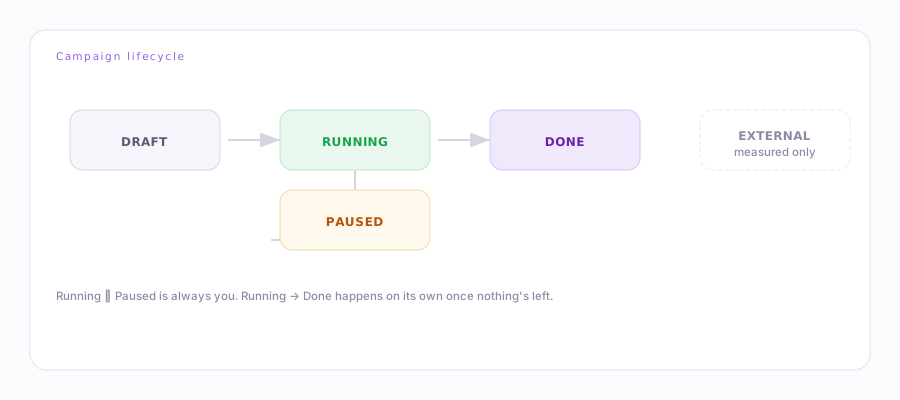 DeskCampaign lifecycleDraft, running, paused, done — what moves a campaign between them.
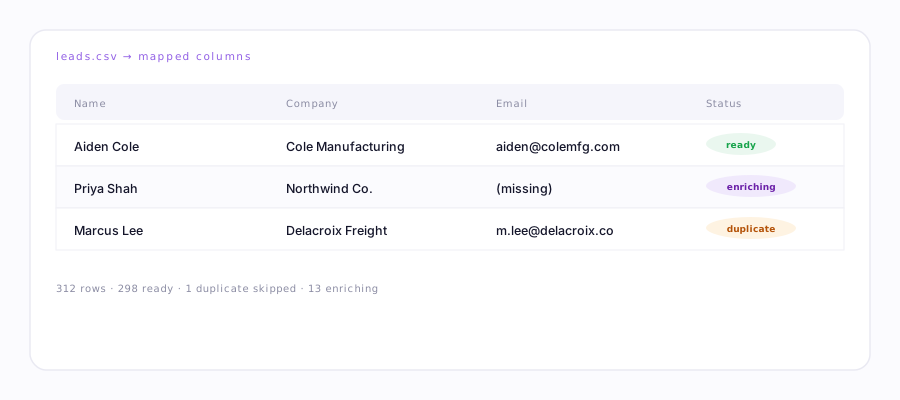 DeskImporting a CSV correctlyColumn mapping, duplicate handling, and how enrichment fills in what's missing.
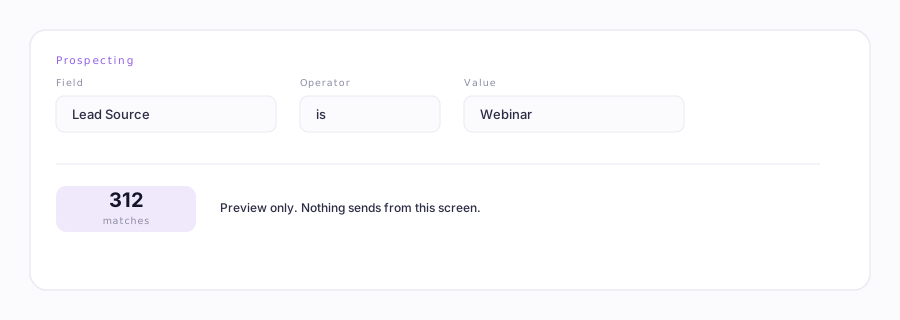 DeskProspectingFilter your CRM, preview how many match, save an ICP, then let the desk work it.
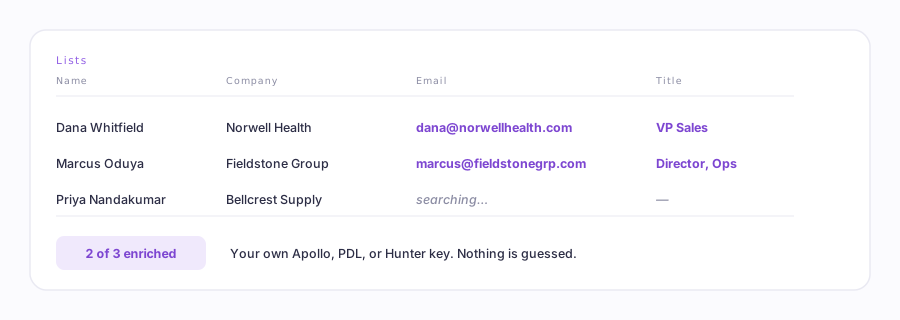 DeskLead lists & enrichmentBring your own list and fill in what's missing, an email, a title, a phone number, with your own Apollo, PDL, or Hunter key.
 DeskAnswering replies from your other toolsKeep sending from HubSpot, Salesforce or Pardot. Ervona reads the thread, answers the reply, and books the meeting.
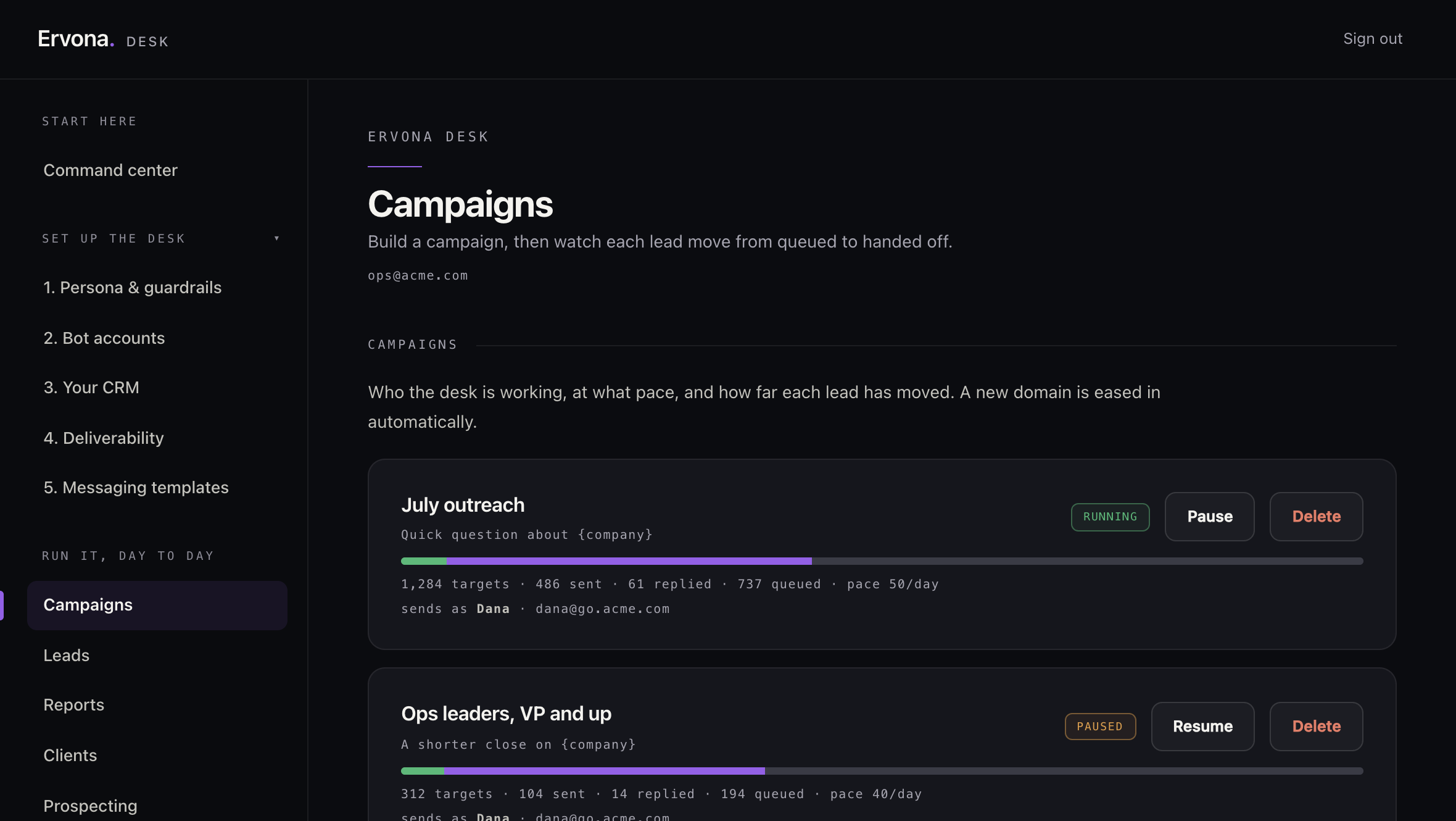
DeskCampaignsHow the autopilot works a lead: reach out, catch the reply, note it, loop in a rep.
DeskAnswering replies from your other toolsKeep sending from HubSpot, Salesforce or Pardot. Ervona reads the thread, answers the reply, and books the meeting.
DeskCampaignsHow the autopilot works a lead: reach out, catch the reply, note it, loop in a rep.
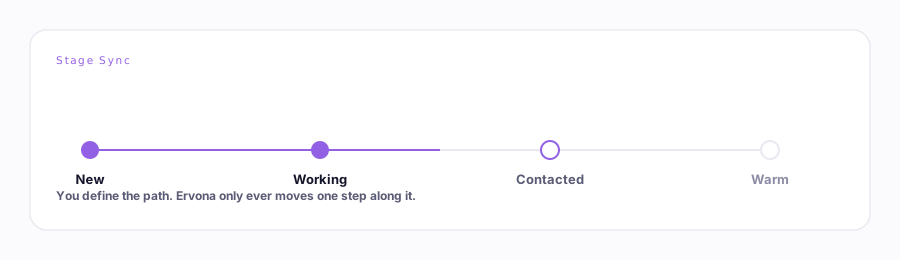 DeskStage SyncA campaign's warm reply writes a CRM field on its own. No send required, no human to click it.
DeskMeasuring campaigns you send elsewhereSalesforce or Pardot sequence? Point Ervona at it and get the real reply rate those tools can't show you.
DeskStage SyncA campaign's warm reply writes a CRM field on its own. No send required, no human to click it.
DeskMeasuring campaigns you send elsewhereSalesforce or Pardot sequence? Point Ervona at it and get the real reply rate those tools can't show you.
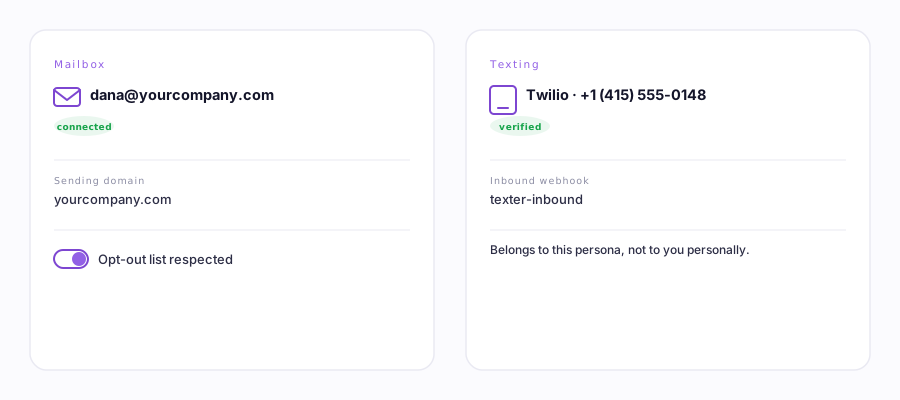 DeskThe desk's own accountsIts own mailbox, texting number, HubSpot, and Salesforce, with keys stored write-only.
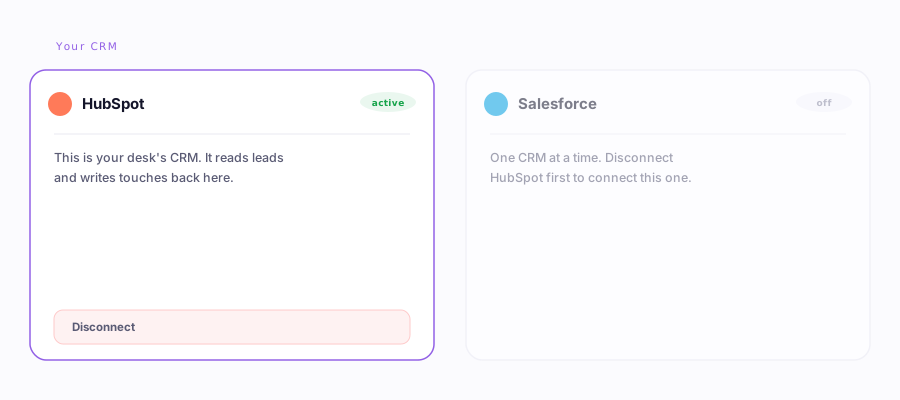 DeskHubSpot & SalesforceDirect free HubSpot API, and the Salesforce bridge that works on every edition.
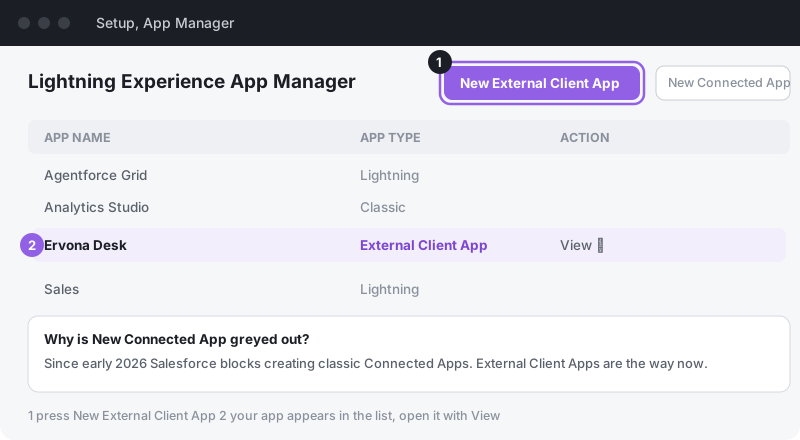 DeskConnect SalesforceCreate an External Client App, set its Run As user, and connect it to the Desk step by step.
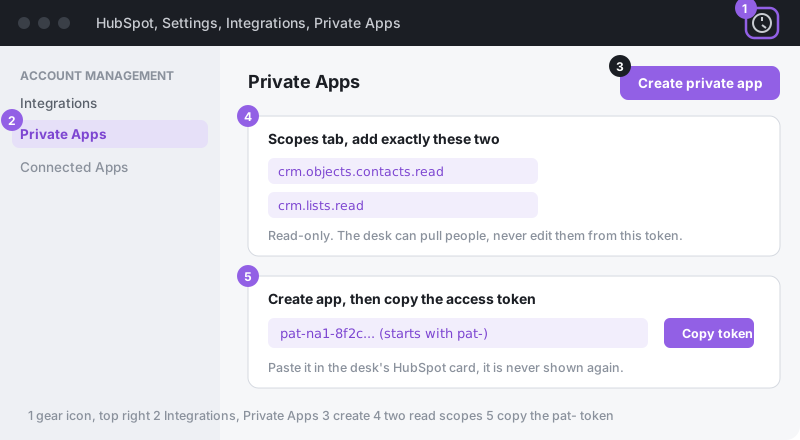 DeskConnect HubSpotA two-minute private app, two read scopes, one token. With pictures, old and new HubSpot.
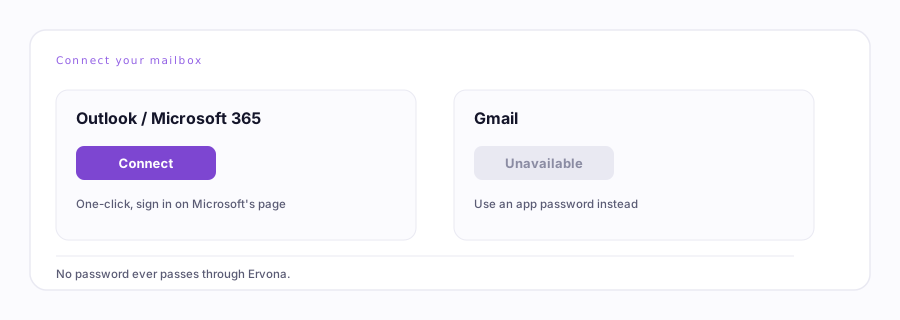 MailboxConnecting your mailboxThe one-click "OAuth" connect: what it's for, and today's status for Gmail and Outlook.
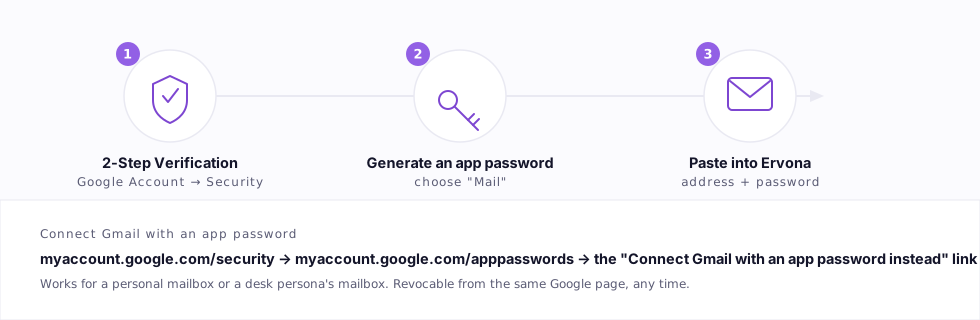 MailboxConnect Gmail with an app passwordGoogle's one-click sign-in not working? A password does the same job. For your own mailbox or a desk persona's.
DomainsSubdomain mailboxAdd an outreach subdomain to the Google Workspace or Microsoft 365 you already have.
MailboxConnect Gmail with an app passwordGoogle's one-click sign-in not working? A password does the same job. For your own mailbox or a desk persona's.
DomainsSubdomain mailboxAdd an outreach subdomain to the Google Workspace or Microsoft 365 you already have.
Your account6 guides
Billing, reporting, sign-in and data, whichever product you use.
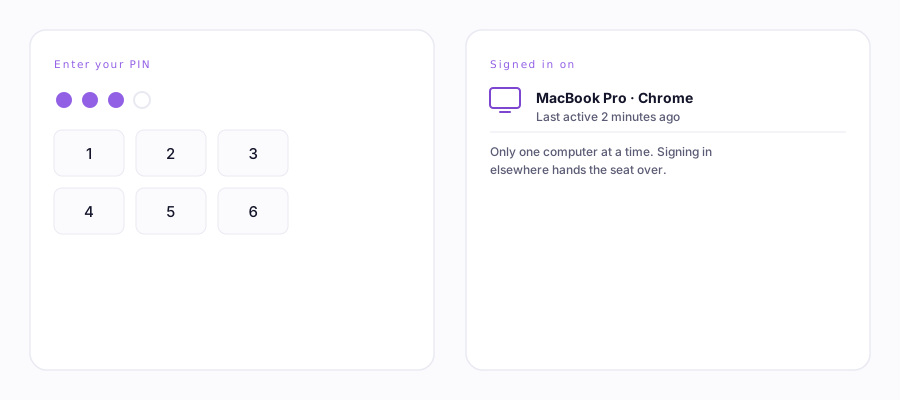 AccountYour PIN & your seatAn optional PIN on billing and account changes, and how signing in on a second computer works.
 ResultsReportsSee what got opened and answered, by subject, by template, by person.
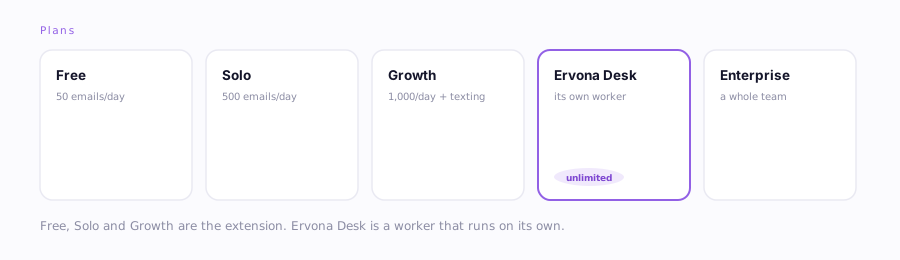 BillingPlans & billingWhat's free, what each plan adds, and how to change or cancel anytime.
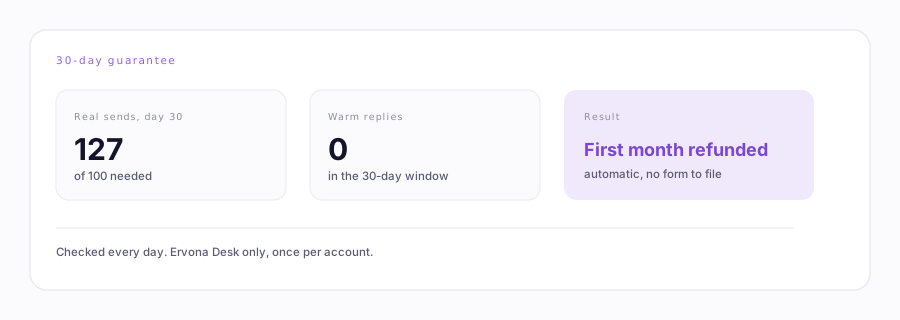 Billing30-day guarantee100 real sends, zero warm replies: your first month back, automatically.
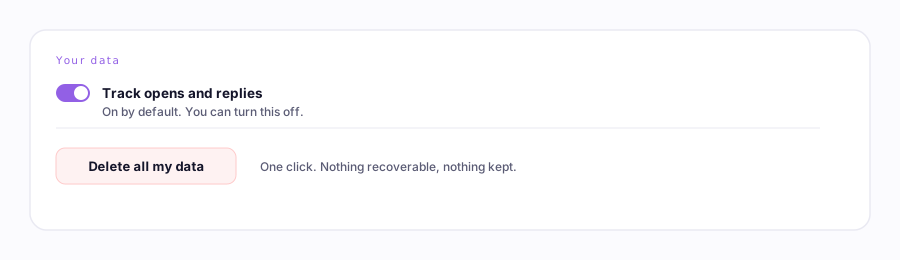
PrivacyYour dataWhat Ervona stores, what it never touches, and how to delete it all.
Fix itTroubleshootingButtons not working? Batch stopped? Here's the fix. It's usually one reload.
Billing30-day guarantee100 real sends, zero warm replies: your first month back, automatically.
PrivacyYour dataWhat Ervona stores, what it never touches, and how to delete it all.
Fix itTroubleshootingButtons not working? Batch stopped? Here's the fix. It's usually one reload.