Know what's working
Reports live at ervona.ai/reports. They show what your automated sales follow-up actually earned: who you reached, what got opened, and what got answered.
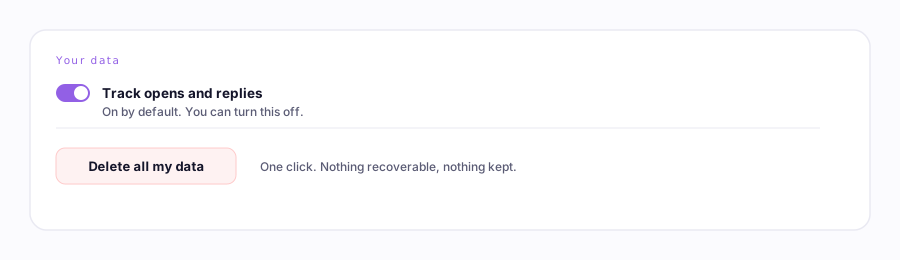
It's on by default
Reporting is on by default, because building it means saving each email's recipient and subject line on our side — a plain switch at the top of the reports page turns it off, and deletes what's already stored, whenever you want.
One thing this switch doesn't govern: if you've connected a mailbox, the one-to-one email you send from it yourself is recorded the same limited way (address, subject, time, never the body) from the moment you connect it, so those emails get a reply rate too. Mail to more than one person, replies, and forwards are left out, and so is mail to any domain you've put in the "Internal domains" and "Partner domains" boxes in your inbox settings. Those two boxes start empty and they're what the check reads, so fill them in the day you connect the mailbox. Disconnect the mailbox and it stops. The Delete button below clears it along with everything else.
The two views
| View | The question it answers |
|---|---|
| Outbound | "What went out?" Every touch in order (emailed, texted, noted, status moved), per lead. Download it as a spreadsheet or PDF. |
| Analytics | "What worked?" Reply and open rates by subject line, by template, by send time, and by computer, if you work from more than one. |
Chase replies, not opens. Open counts run high (some inboxes "open" everything automatically). Replies are real. That's why every table ranks by reply rate.
Why some emails show a reply but no open
Counting an open needs a tiny invisible image inside the email, and that can only be put there while the email is being written. So it depends on where you wrote it:
| Where the email was written | Opens counted? |
|---|---|
| The extension sent it, or you typed it in the Salesforce console | Yes, once reporting is on |
| You typed it in Gmail or Outlook on the web | Yes, but first turn it on in the extension's settings and let Chrome grant access to that site |
| An Ervona Desk campaign | Only if you switch on Count opens for that campaign. It starts off, and while it's off the email goes out as plain text with nothing in it. |
| Outlook on your desktop, Apple Mail, your phone | No, and there's no way around it. Nothing can be added to an email that has already left. |
Replies are matched in every one of those cases, including the last. So an email you typed on your phone still shows up with its answer, just without an open count.
Deleting your data
Bottom of the reports page: pick a window (past hour to all time) and hit Delete. It permanently erases the tracked history behind both views. The emails themselves already went out; this just makes Ervona forget it recorded them.