Write it once. Send it a thousand ways.
Your templates are the voice; Ervona is the hands. The AI email agent fills in each person's details from the record on screen, so every email reads like you wrote it just for them.
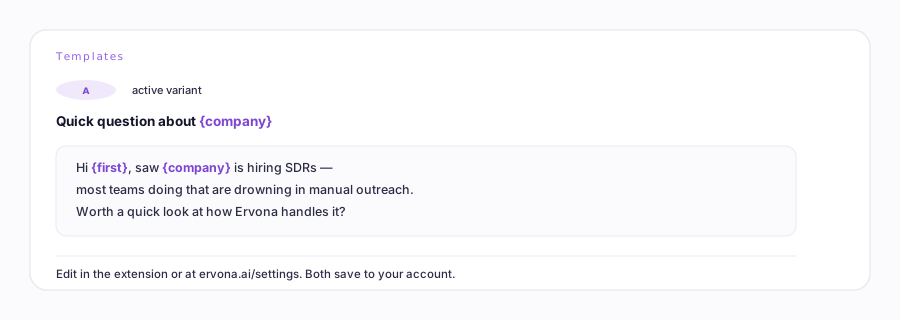
The fill-in fields
| You type | Each lead gets |
|---|---|
{name} | Their first name. If the record's name is missing or looks like junk, Ervona writes "there" instead, so you'll never send "Hi ,". |
{company} | Their company name. |
{amount} | The deal or application amount, when the record has one. |
Different email for the 2nd and 3rd try
Make a few templates, say First Touch, Quick Bump, and Last Call, and assign one per attempt. Ervona checks how many times each lead has already been contacted and picks the right one. A fresh lead and a twice-contacted lead can sit in the same list; each gets the right message.
Let the numbers pick your subject line
Turn on A/B test subjects and write two versions. Ervona alternates them (one lead gets A, the next gets B) and your report shows which one gets more replies. Keep the winner, write a new challenger, repeat.
What works: short subjects, plain words, one clear ask. Emails that sound like a person beat emails that sound like marketing. Replies are the score that matters, not opens.