Ervona Desk plan
Ervona Desk: the company's own AI SDR
Answering your own inbox is one thing. Desk goes further. It gets its own mailbox on your company's domain, works leads, and answers inbound as the company. Around the clock, alongside your team. It's live, and everything is self serve in the Desk portal: connect your domain, create the persona, import lists, run campaigns, and file any question as a ticket right there.
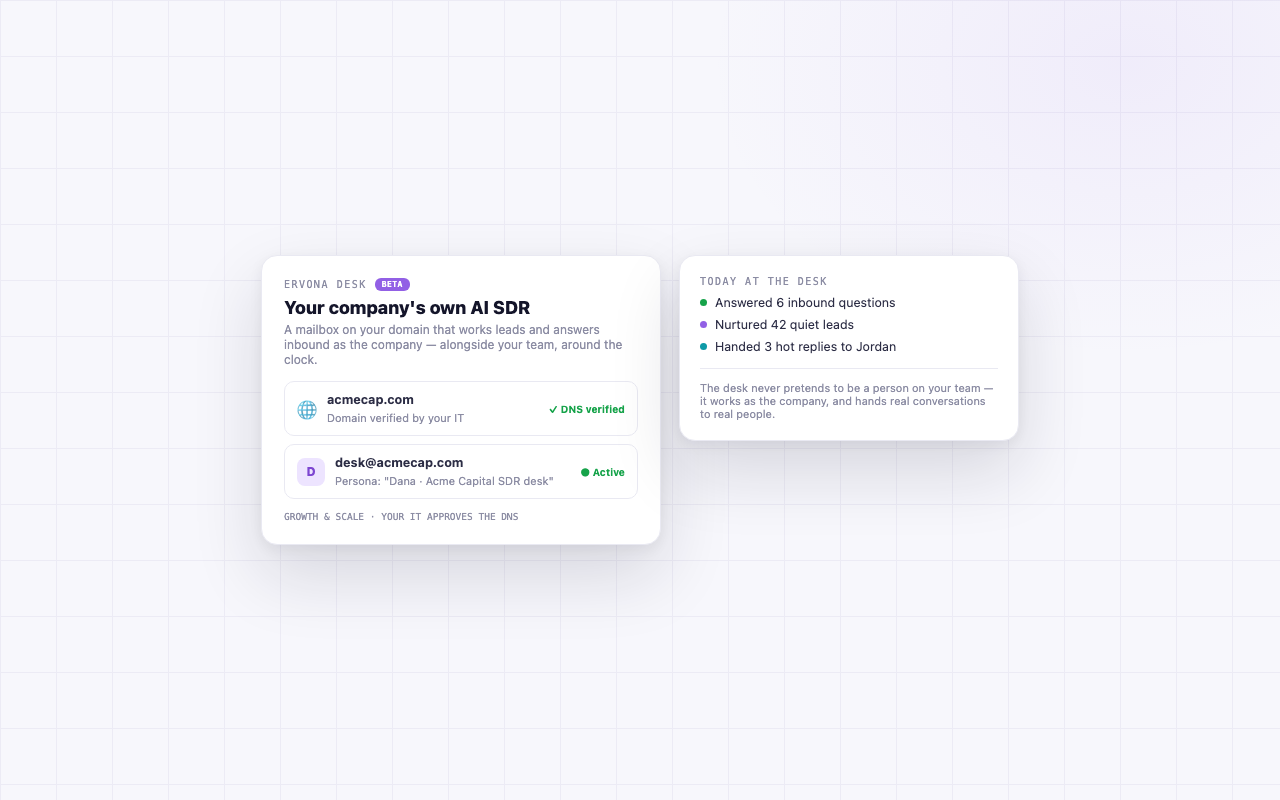
Preview of the Desk tab. See the full showroom at desk.ervona.ai.
How it works
- Your admin says yes, once. They create a mailbox on your domain, like desk@yourcompany.com, in the Google Workspace or Microsoft 365 you already have. That step is the point: the address lives in your own account, under your admin's control, and can be revoked there any time. No lone rep can set this up alone.
- You connect it in a click. Sign in to that mailbox once and the desk starts working as its own persona, a named assistant working "the SDR desk." There is nothing for Ervona to provision, and your email provider remains in control of the mailbox.
- It works the quiet hours. Nurtures leads that went cold. Answers inbound questions. Hands anything warm to a real person on your team, with the full thread.
The ground rules
- The desk sends from the company's own mailbox, not a teammate's personal inbox.
- Everything it sends and receives is visible to you.
- Hot conversations go to humans. The desk's job is coverage, not closing.
Go deeper
Four guides walk through how the desk actually works, in plain words:
- Prospecting: filter your CRM, preview how many people match, save an ICP, and hand the set to the desk. Opted-out people are never pulled in.
- The Worklist: how the autopilot works a lead, from first touch to catching the reply, referencing the record, and looping in a real rep.
- The desk's own accounts: its mailbox, its texting number, its HubSpot, and its Salesforce, with every key stored write-only.
- HubSpot and Salesforce: the direct free HubSpot API, and the Salesforce bridge that works on every edition including Professional.
Getting started. Desk is set up with you on the Ervona Desk plan.