The desk's own accounts
The desk is not borrowing your login. It has its own accounts, the way a new hire would: a mailbox, a phone number, and a link to your CRM. Its mailbox and its texting number live on the Mailboxes & texting step, and your CRM has a step of its own right after it. Every key you paste is stored so it can be used but never read back.
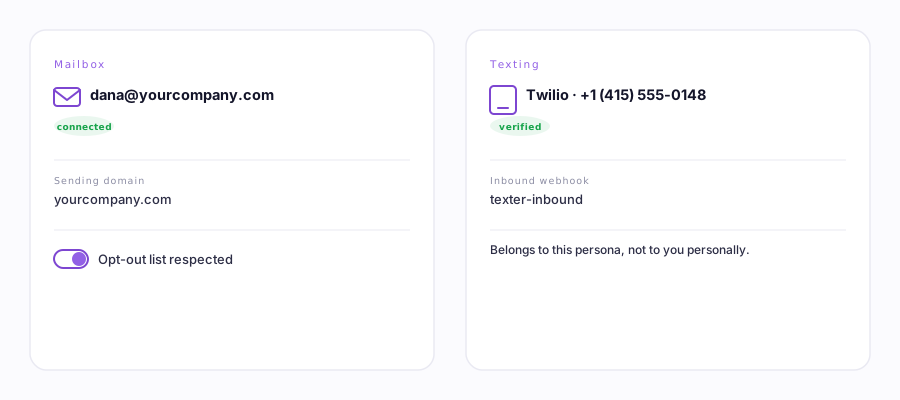
1. An email account
The desk sends and reads email from its own mailbox, usually on a subdomain of your company domain. You connect it by signing in with Gmail or Outlook, the same providers your team already uses. If Google's one-click sign-in isn't available, there's a smaller link under it, Connect Gmail with an app password instead — see connecting with an app password for the two-minute version of that. Once it is connected you see the address and can disconnect it any time. If you need a new sending domain, use the subdomain mailbox guide.
2. A texting number
When a campaign reaches out by text, it sends from the desk's own number, not a personal phone. You pick a provider and add its credentials on the Mailboxes & texting step. The number is the desk's, so replies come back to the desk and the campaign can cross-check them. You create the provider account, register your business for A2P sending, and pay that provider directly. Ervona is the remote control.
Your CRM is the next step along
Salesforce and HubSpot used to sit at the bottom of this same screen, which made "where do I connect Salesforce" a fair question. They now have their own step, 3. Your CRM, right after Mailboxes & texting.
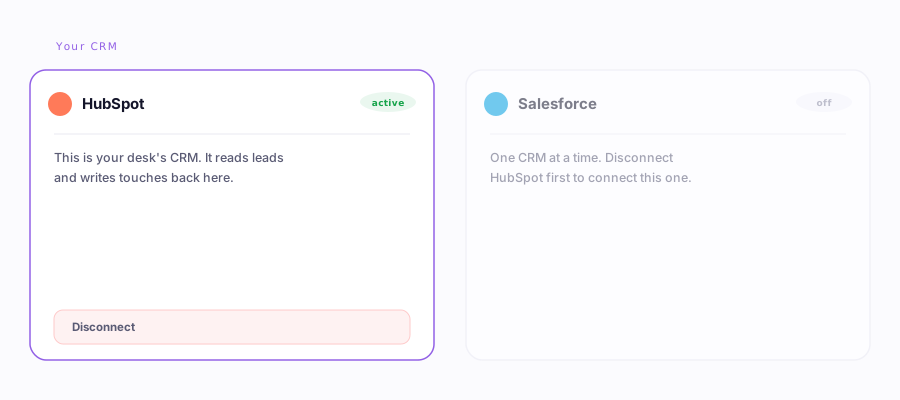
3. Its own HubSpot
The desk connects to HubSpot with a private app token you paste once. From there it can filter your contacts, import the matches, send as the persona, and write notes and logs back onto the right records, all in real time. HubSpot's API is free on every tier, so nothing extra is needed on your side.
4. Salesforce
Salesforce works two ways, and the Accounts tab is honest about which one you are on:
- Through the Ervona extension (the default). This works on every Salesforce edition, including Professional, because it drives a rep's own logged-in tab instead of calling the paywalled API. Updates arrive when a rep has Salesforce open.
- A dedicated Salesforce account (optional). On editions that include the API (Enterprise and Unlimited), you can connect a dedicated account for real-time, headless write-back. Same desk, faster hands.
The full story is in HubSpot and Salesforce, explained.
Your keys are stored write-only
The portal can save a credential, and use it, but it can never read one back. Tokens, phone keys, and refresh tokens are all write-only, and they are encrypted before they are stored, with a key the database itself never holds. The browser never asks for the secret again, and only the secure server side ever touches it. So a stolen screen, a shared login, or even a copy of the database cannot leak a key.
Everything here belongs to the desk. Each card names the account as "the desk's own," so it is always clear these are the persona's credentials, kept apart from your personal Reply inbox.