How the desk works a lead
A campaign is the autopilot. Once you hand it a set of prospects, it reaches out as your persona, keeps an eye on its own inbox and its own texting for a reply, and when someone answers it references the CRM record, leaves a note, and brings in a real person on your team. It covers the ground. It never tries to close.
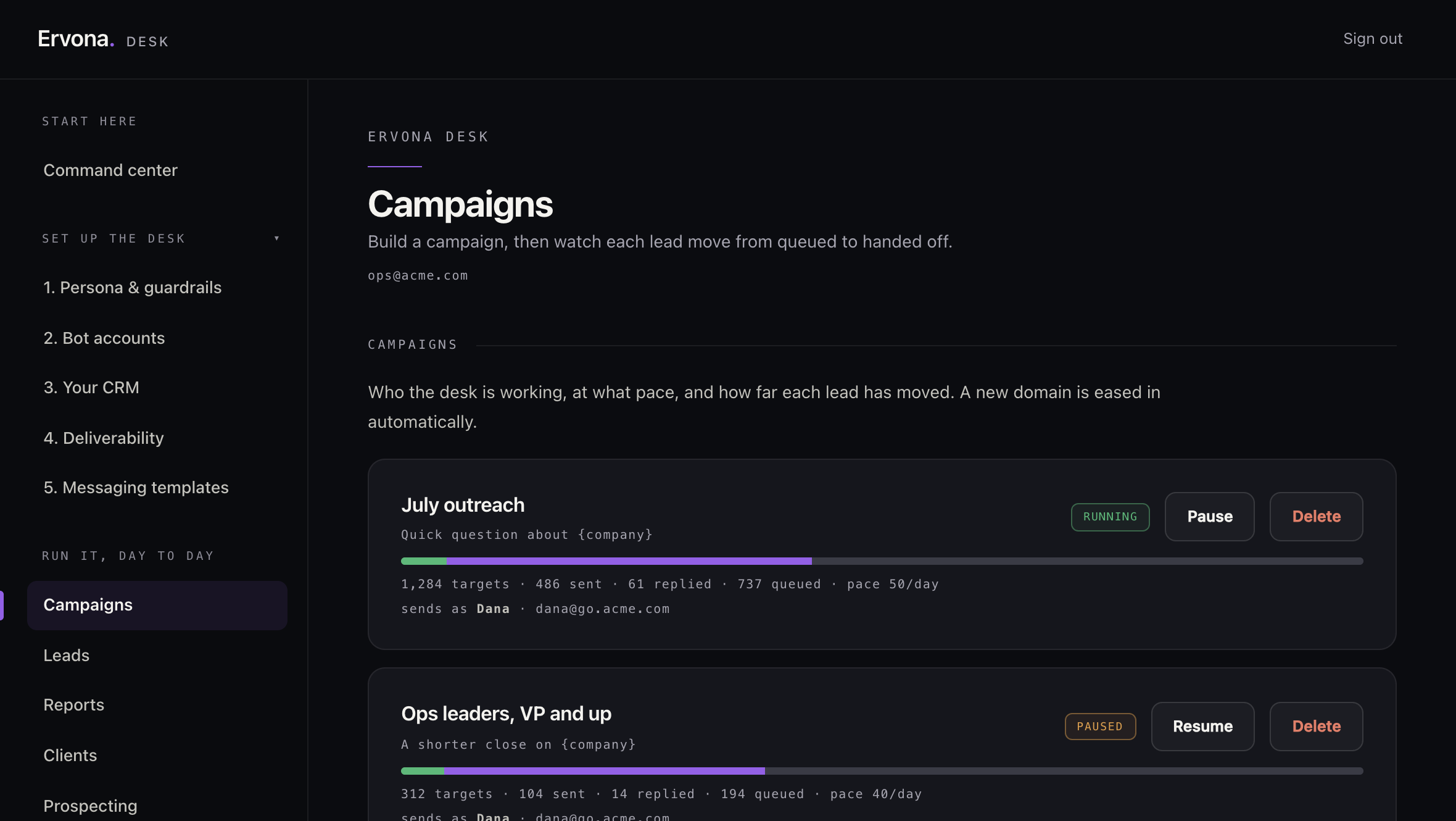
The track a lead follows
Every lead moves through a set of plain stages. You can see exactly where each one sits.
- Queued. The lead is in the campaign and waiting its turn, under the daily ceiling and the warm-up ramp.
- Contacted. The desk sent the first touch, an email or a text, as your persona.
- Awaiting reply. The touch went out and the desk is waiting, quietly, for an answer.
- Replied. Someone answered. The desk noticed on its own.
- Referenced. The desk found the matching record in your CRM and linked it up.
- Assigned or looped in. A real rep is now on it, with the full thread and a link to the record.
- Done. The desk has handed off. Its job for that lead is finished.
A lead can also be marked skipped, which is the end of the road. That happens when the person opted out, is suppressed, or has no valid way to reach them.
Email or a text, your choice
A campaign reaches out on one channel: email or text. On email the desk sends from its own mailbox on your domain. On text it sends from its own number. Either way the desk speaks as the persona, working "as the company," never pretending to be a named person unless you turn that on.
It watches both channels for a reply
This is the part that makes it feel alive. The desk cross-checks its own email and its own texting for a response. An email reply and a text reply are both caught the same way: matched to the exact touch they answer, once, so nothing gets double-counted even if a provider sends the same notice twice. The moment a reply lands, the lead flips to Replied and the rest of the pipeline kicks in.
Reference, note, hand off
When a reply comes in, the desk does three things in order:
- References the CRM record. It finds the contact by email (and the open deal, if there is one) so everything that follows is attached to the right record. On Salesforce this happens through the extension when a rep has a tab open. See HubSpot and Salesforce, explained.
- Leaves a note. It writes a short, plain summary of the reply onto the record and logs the incoming message, so a rep opening the record sees the story at a glance.
- Assigns or loops in a rep. It picks the right person using your routing rules (or a round-robin of who is available), writes a hand-off, and emails that rep the prospect, the summary, and a link to the record. If the routing points at changing the record owner instead, it does that.
Then the lead is Done. From your side, it shows up in Responses with the referenced record and the assigned rep, ready for a human to take over with full context.
Every lead is handled on its own. If one lead hits a snag, the desk logs it and moves on. One stuck record never freezes the rest of the batch.
What the desk will not do
The desk hands warm conversations to you. It does not try to negotiate or close. It does not impersonate a named teammate unless you explicitly turn on an alias. Its job is coverage and a clean hand-off, not the deal itself.
On being an AI: the desk says so. Identify as an assistant is on by default under Persona and guardrails, which adds the assistant tag to its signature. You can switch it off, but some regulated industries require it, so leave it on unless you have checked.